Steps
Ready in three steps.
From the Nuvio Pro app, on your phone or your laptop.
-
01
You create the course
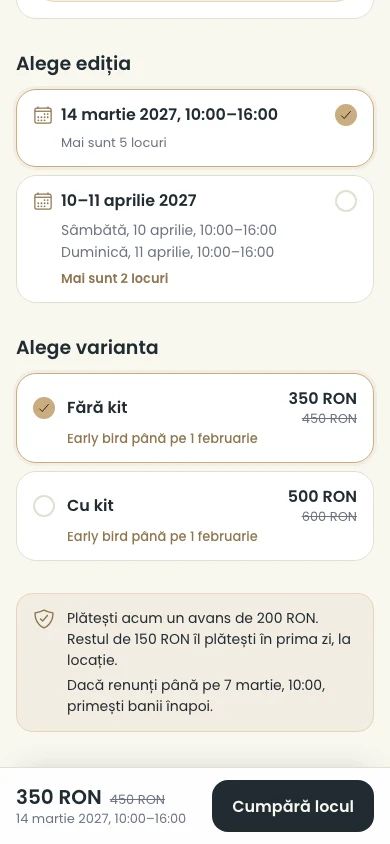
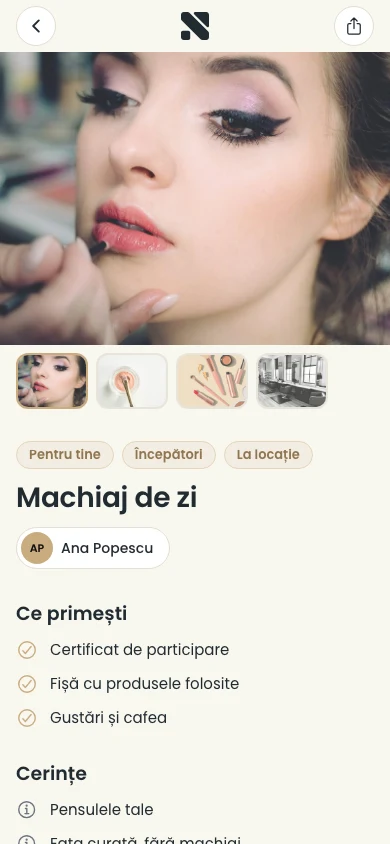
Add photos, what participants get, price options with an early bird price and the dates of each edition.
-
02
It shows where people look
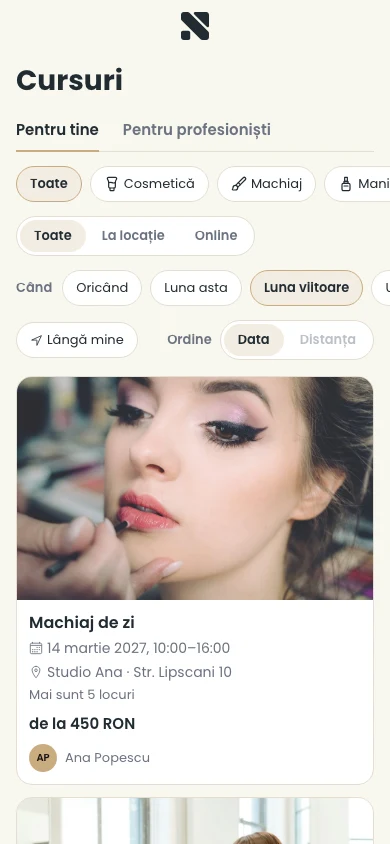
On your nuvio.ro page, in the nuvio.ro/cursuri catalogue and in the Nuvio app for clients.
-
03
People buy their seat
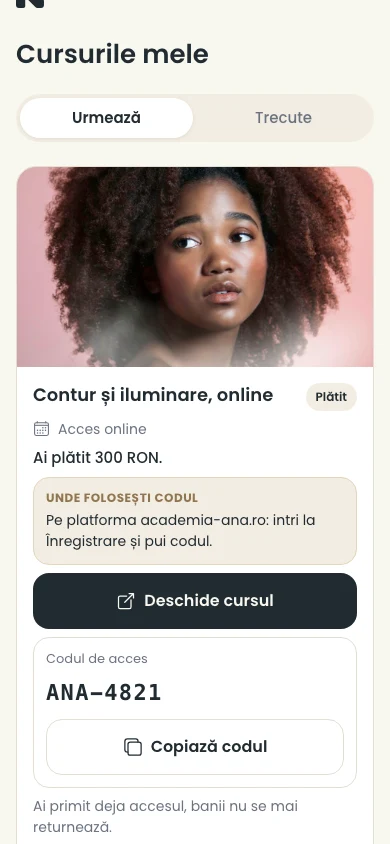
They pay online, and you see the participants, the seats taken and the money collected in the app.
- One day or severalA course can run over several days, and you add new editions whenever you like.
- Price optionsFor example “Without kit” and “With kit”, each with an early bird price until the date you choose.
- Counted seatsYou choose how many seats an edition has. No more are sold than you have.
- Move or cancel an editionWhen you move it, each participant chooses to keep the seat or get the money back. When you cancel it, everyone gets their money back.