
Business: clients, subscriptions, messages and growth
The business's clients, reminders, campaigns, reviews, courses and the location's own app.
The app screens shown here are in Romanian; each button's Romanian name follows it in brackets.
The business's clients
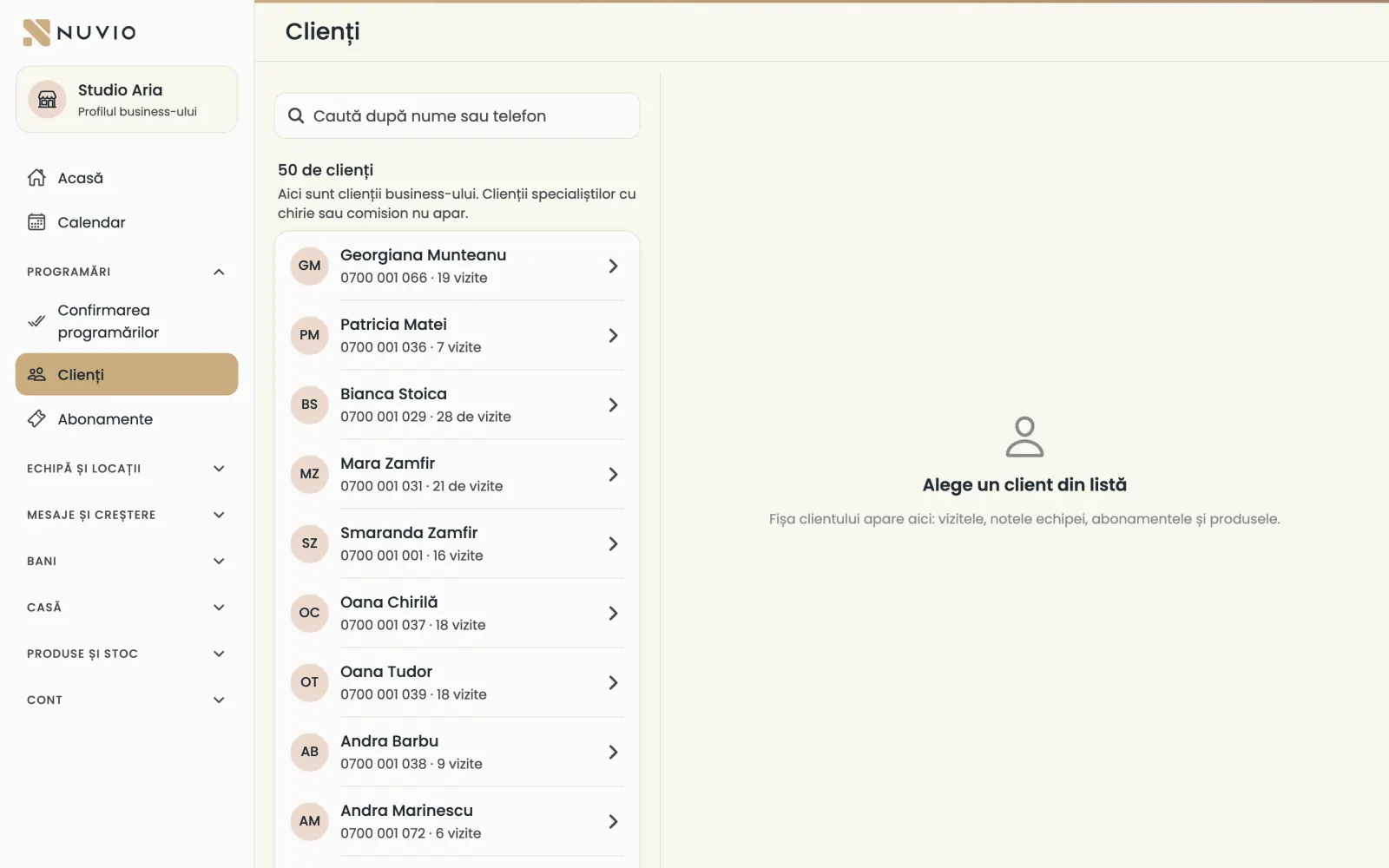
The list of clients booked at the business, with their phone, number of visits and history.
Where to find it:Bookings (Programări)Clients (Clienți)
- Open Clients (Clienți).
- Search for the client by name or phone.
- Tap the client to see their visits with the whole team.
Clients of chair-rent or commission specialists who keep their own clients are not listed here.
Messages to clients
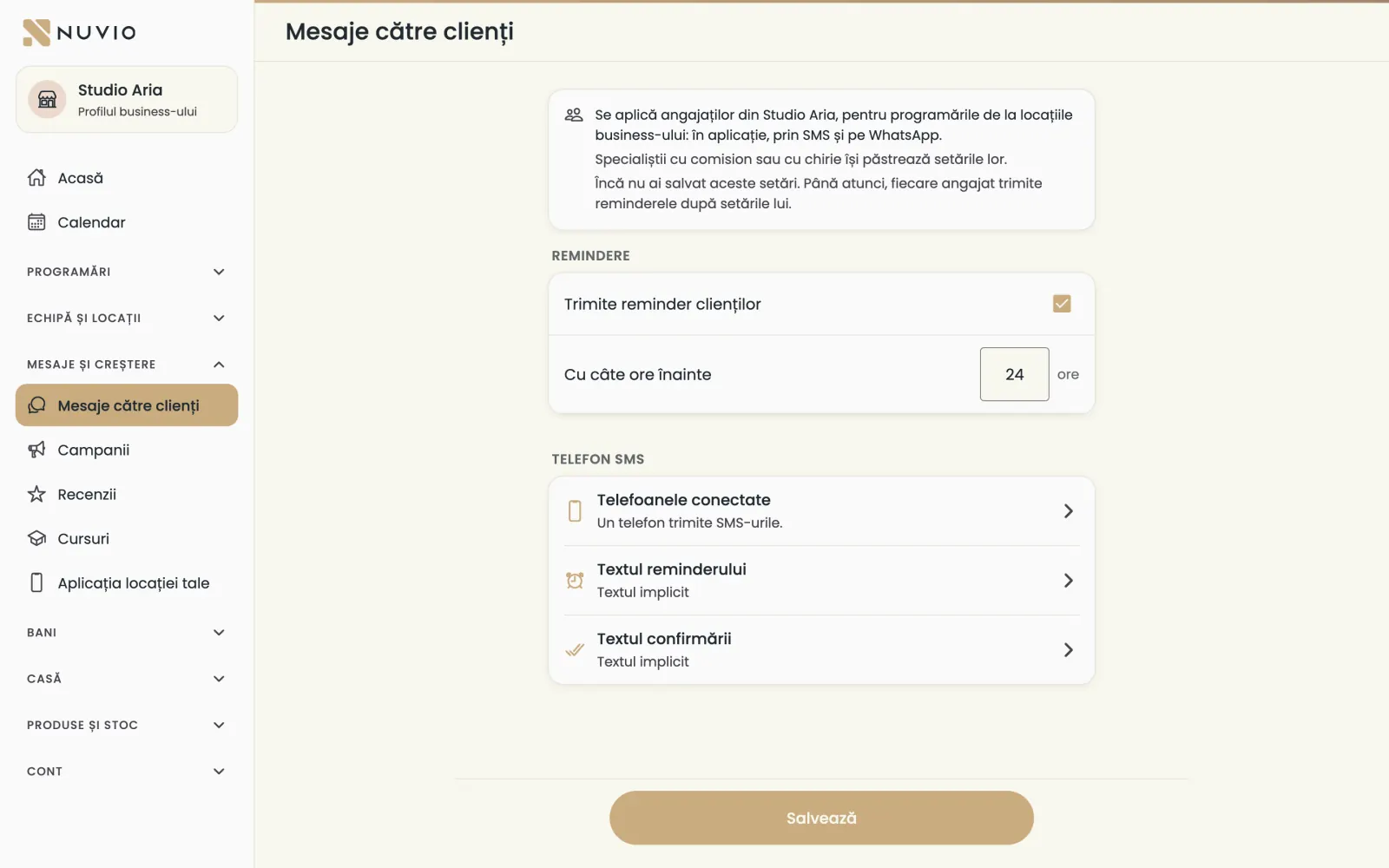
One reminder setting for all employees, sent in the app, by SMS and on WhatsApp.
Where to find it:Messages and growth (Mesaje și creștere)Messages to clients (Mesaje către clienți)
- Open Messages to clients (Mesaje către clienți).
- Turn on Send clients a reminder (Trimite reminder clienților).
- Choose How many hours before (Cu câte ore înainte) the reminder goes out.
- Tap Save (Salvează).
The setting applies to employees, for bookings at the business's locations.
Until you save it, each employee sends reminders with their own settings.
SMS messages go out from the location's phone: see The SMS phone.
The business's campaigns
Send an offer on WhatsApp to inactive clients or to a group you choose.
Where to find it:Messages and growth (Mesaje și creștere)Campaigns (Campanii)
- Open Campaigns (Campanii) and tap New campaign (Campanie nouă).
- Choose who gets it: inactive clients or a group.
- Choose the discount and until when it is valid.
- Check the message and start the campaign.
On the campaign's page you see how many offers went out and how many clients came back.
More about campaigns in Campaigns.
The business's reviews
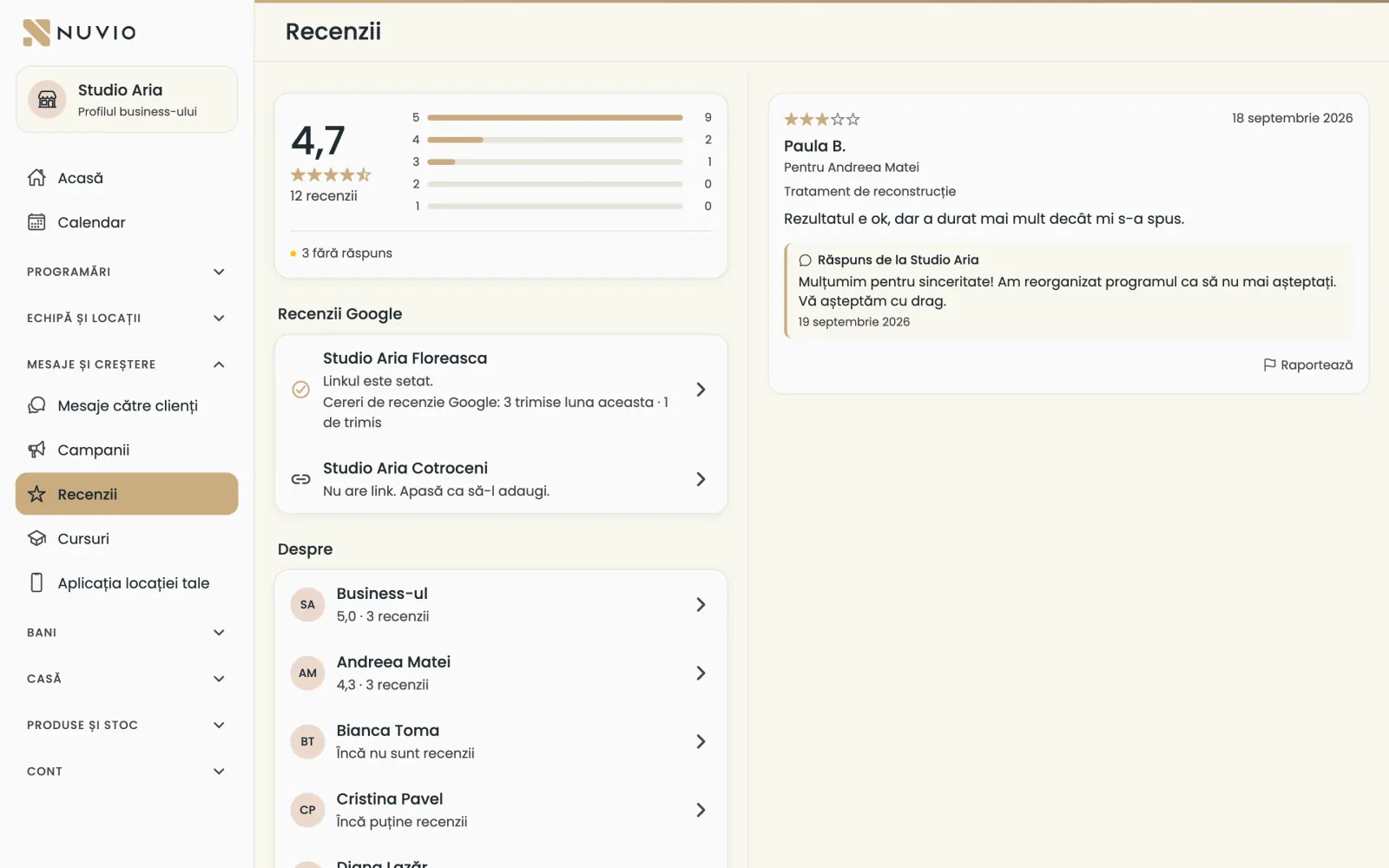
See the reviews of the business and of each specialist, and reply publicly on behalf of the business.
Where to find it:Messages and growth (Mesaje și creștere)Reviews (Recenzii)
- Open Reviews (Recenzii).
- Tap a review with no reply.
- Write the reply and tap Reply publicly (Răspunde public).
You put the Google review link on each location, in Google review link (optional) (Link recenzii Google (opțional)).
The business's courses
The business can sell courses, with their editions, prices and participants.
Where to find it:Messages and growth (Mesaje și creștere)Courses (Cursuri)
- Open Courses (Cursuri) and tap New course (Curs nou).
- Fill in the course step by step and publish it.
The steps are the same as in Courses.
Your location's own app
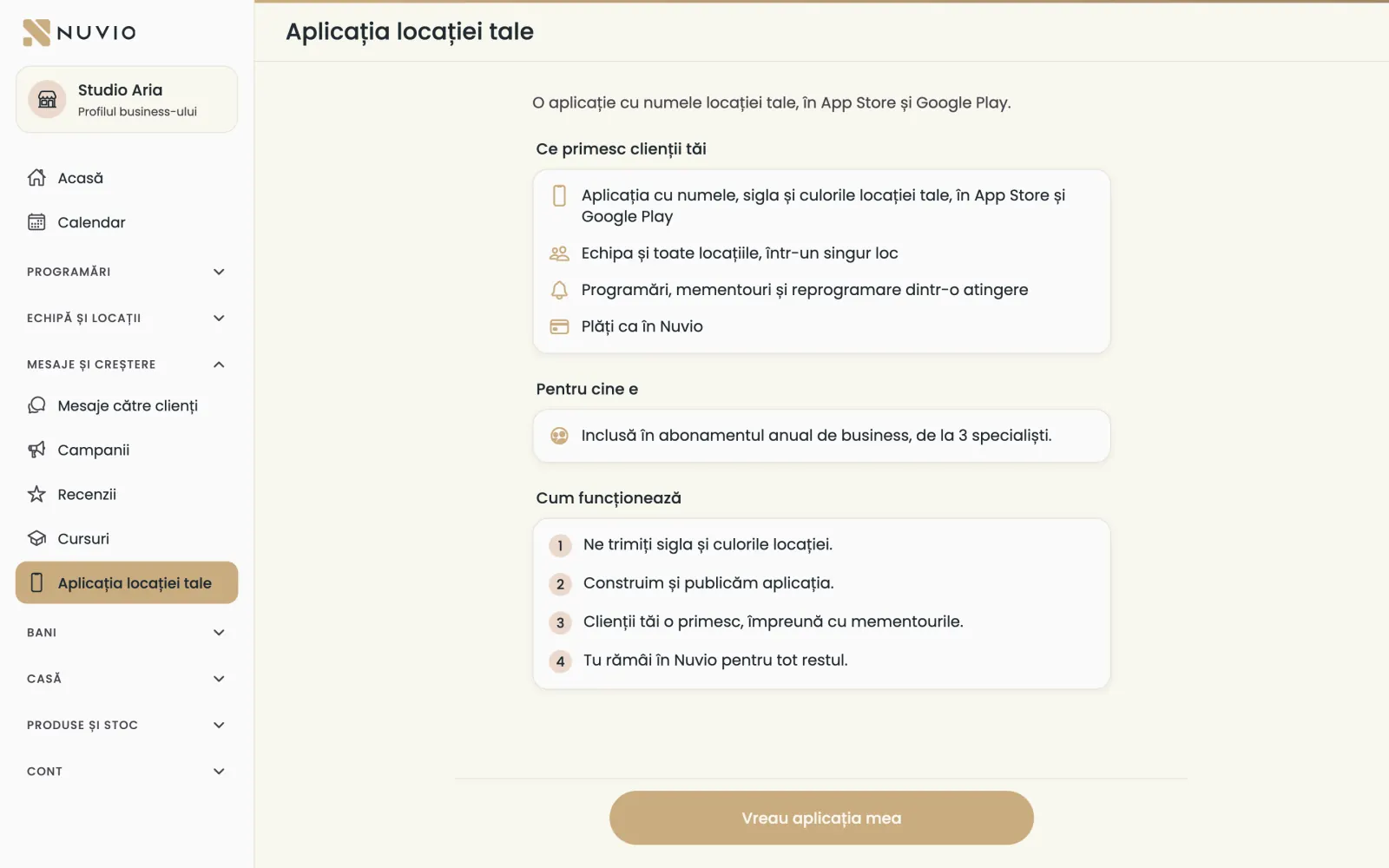
An app with your location's name, logo and colours, in the App Store and Google Play.
Where to find it:Messages and growth (Mesaje și creștere)Your location's own app (Aplicația locației tale)
- What clients get
- Bookings, reminders and one-tap rebooking, with all your locations and team.
- Who it is for
- Included in the yearly business plan, from 3 specialists.
- Download page
- Clients find it at nuvio.ro/app/your-location-name.
- Open Your location's own app (Aplicația locației tale).
- Tap I want my own app (Vreau aplicația mea).
- On pro.nuvio.ro/aplicatie-proprie send us your logo and colours.
- We build and publish the app, and you keep working in Nuvio.
Updated on
Help
If the answer is not here, write to us on WhatsApp or by e-mail.